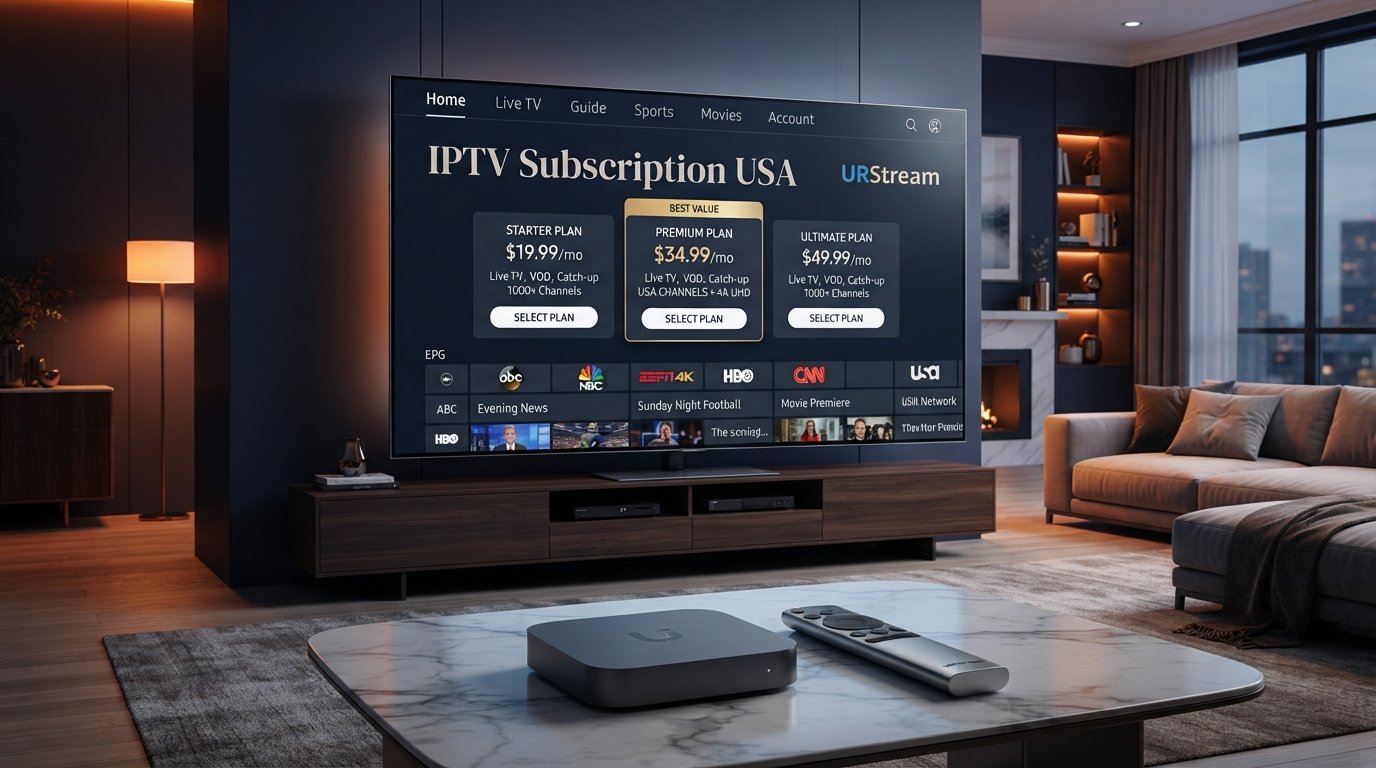
Choosing an IPTV subscription is not simply about finding the lowest advertised price. A good subscription should match your devices, internet connection, viewing habits and expectations for streaming quality and support.
With many IPTV services and subscription options available online, it can be difficult to know which plan is worth considering. Some users prefer flexible monthly subscriptions, while others may choose longer plans after confirming that a service works well with their setup.
This guide explains what to look for when comparing an IPTV subscription in the USA and how to make a more informed decision before committing to a longer plan.
Looking for an IPTV subscription?
Explore the available URStream plans and compare subscription periods to find an option that fits your streaming setup and budget.
VIEW IPTV USA PLANS →What Is an IPTV Subscription?
IPTV stands for Internet Protocol Television. It refers to delivering television and video content through an internet connection rather than relying exclusively on traditional broadcast, cable or satellite delivery methods.
An IPTV subscription generally provides access to a service or authorised content source for a defined period. Depending on the provider and plan, the service may support compatible IPTV players and devices such as Firestick, Smart TV, Android TV and other streaming platforms.
The device itself does not automatically provide television programming. Your streaming device, IPTV player and content source all work together as part of the overall setup.
Why Choose an IPTV Subscription?
IPTV can provide a flexible way to manage internet-delivered television content from a compatible device. Instead of switching between several physical television systems, users can often manage supported streaming services from a single connected setup.
Another advantage is device flexibility. Depending on compatibility, an IPTV setup can be used on a television, streaming stick, Android device or other supported hardware.
However, the actual experience depends on the service, device, application, network and content source. This is why comparing the subscription itself is only one part of choosing the right IPTV setup.
What Should You Look for in an IPTV Subscription?
Before purchasing an IPTV subscription, consider several important factors. The right plan for one user may not be the right choice for another.
1. Device Compatibility
Start by checking whether the IPTV service supports your preferred device. Common setups include Firestick, Fire TV, Smart TV, Android TV and other compatible streaming platforms.
Clear compatibility information can make setup easier and reduce the risk of choosing a service that does not work with your existing equipment.
2. Streaming Stability
Streaming stability is one of the most important factors when evaluating an IPTV subscription. A service may have an attractive interface and extensive features, but consistent playback is still essential for everyday viewing.
Keep in mind that streaming performance depends on multiple factors. Your internet connection, Wi-Fi environment, device performance, application and content source can all affect playback.
3. Video Quality
Depending on the service and source, IPTV content may be available in different quality levels. Users with modern televisions may want to consider whether their preferred content and setup can take advantage of HD, Full HD or 4K capabilities where available.
A 4K-capable television does not automatically make every stream 4K. The original source, available resolution, device and network conditions all matter.
4. Customer Support
Support can be especially valuable during initial setup. Users may have questions about compatible players, login information, device configuration or troubleshooting.
Before choosing a longer subscription, consider whether the provider offers a clear and accessible way to request assistance.
5. Pricing
Price should always be considered together with the service features and support provided. The cheapest IPTV subscription is not automatically the best value if it does not meet your requirements.
Compare what is included, the subscription period, device compatibility and available support rather than looking at price alone.
Monthly vs Long-Term IPTV Subscription
IPTV subscriptions are often available in different time periods. Monthly plans can provide flexibility, while longer plans may be more convenient for users who already know that the service works well with their setup.
Monthly IPTV Subscription
A monthly plan can be useful for new customers who want to keep their commitment shorter. It can also make sense for users who prefer flexibility and want to review their options regularly.
Longer IPTV Subscription
Longer subscription periods may suit users who have already tested the service and are satisfied with the performance. Before choosing a long-term plan, make sure you understand the current price, terms and included features.
For a new user, testing compatibility before committing to a longer period is often a sensible approach.
How to Choose the Right IPTV Subscription for Your Device
Your device should be one of the first considerations when comparing IPTV services. A service that is convenient on Firestick may require a different setup on a Smart TV or Android device.
- Identify your main device. Decide whether you will primarily use Firestick, Smart TV, Android TV or another compatible platform.
- Check application compatibility. Make sure the service works with a compatible IPTV player.
- Check your internet connection. Use a stable connection suitable for streaming video.
- Test playback. If a trial is available, use it to evaluate the service on your actual setup.
- Compare plans. Review monthly and longer subscription periods before making your final decision.
Important: IPTV is a delivery technology. Always use IPTV services and content sources that you are authorised to access and comply with applicable copyright, licensing and broadcasting laws in the USA.
IPTV Subscription for Firestick
Firestick is a popular streaming device for IPTV because it provides a dedicated television interface and supports a range of compatible applications.
If you plan to use an IPTV subscription on Firestick, confirm that your chosen service and IPTV player are compatible with your device. A trial can also be useful for testing playback before choosing a longer subscription period.
Your Firestick performance will also depend on network conditions, available device resources and the quality of the content source.
IPTV Subscription for Smart TV
Smart TV users may prefer to install a compatible IPTV application directly on their television. This can eliminate the need for an additional streaming stick when the television supports the required application.
Compatibility varies between television manufacturers and operating systems, so it is important to check the available applications before choosing an IPTV subscription.
If your television has limited application support, a compatible external streaming device may provide another solution.
How Internet Quality Affects an IPTV Subscription
Your internet connection is a major part of the streaming experience. Even a well-configured IPTV subscription can experience playback problems if the local network is unstable.
Wi-Fi distance, router placement, network congestion and the number of connected devices can all influence performance.
If several streaming applications are experiencing problems at the same time, check your home network before assuming that the IPTV service is responsible.
How to Reduce IPTV Buffering
Buffering can have several causes, so it is useful to troubleshoot the problem step by step.
Improve Your Wi-Fi Signal
Place your router and streaming device in a way that provides a stronger and more consistent wireless connection. Physical obstacles and distance can affect Wi-Fi performance.
Restart Your Device
Restarting your Firestick, Smart TV or Android TV device can resolve temporary software or connection problems.
Check the IPTV Player
If your authorised service supports multiple IPTV players, testing another compatible application may help determine whether the problem is related to the player.
Reduce Network Congestion
Multiple devices using the same network can compete for bandwidth. If possible, reduce unnecessary network activity while testing IPTV playback.
Want to test before subscribing?
Contact URStream through WhatsApp and ask about the available IPTV trial option. Testing your setup first can help you make a more confident subscription decision.
GET FREE IPTV 24H TEST →What Is Included in an IPTV Subscription?
What is included depends on the provider and subscription plan. Potential features can include access to supported live television streams, different content categories, compatible device support and customer assistance.
Always review the provider's current plan information rather than assuming that every IPTV subscription includes the same features.
If specific content is important to you, verify that the content is available through an authorised source and that your selected plan supports your intended viewing setup.
How Much Should an IPTV Subscription Cost?
There is no single price that defines a good IPTV subscription. Pricing can vary depending on the subscription period, included features, support and service structure.
Instead of choosing entirely based on price, compare the total value of the service. Consider compatibility, streaming performance, support and the flexibility of the plan.
A slightly higher-priced subscription may provide better value if it offers the features and support that matter to your setup.
Why Test an IPTV Subscription First?
Testing can help identify compatibility or performance issues before you commit to a longer subscription. This is especially useful if you are using a specific Firestick model, Smart TV or IPTV player.
During a trial, test the service using your normal internet connection and preferred device. Check multiple streams, navigation, picture quality and general responsiveness.
If the service performs as expected, you can then compare available subscription periods with greater confidence.
Common IPTV Subscription Mistakes
Choosing Only by Price
A low price may look attractive, but it does not tell you whether the service is compatible with your device or suitable for your viewing habits.
Ignoring Device Compatibility
Always verify compatibility before purchasing. Your preferred IPTV player and streaming device should support the service configuration.
Skipping the Trial
If a trial option is available, using it can help you identify technical issues before choosing a longer plan.
Choosing a Long Plan Too Quickly
New users may benefit from starting with a shorter subscription period after testing the service. Once they are satisfied with the setup, they can consider longer options.
Choosing an IPTV Subscription for Your Viewing Habits
The best subscription length depends on how frequently you watch IPTV and how much flexibility you want.
If you are a frequent viewer and already know that the service works well for your devices, a longer plan may be convenient. If you are still testing IPTV or frequently change your streaming setup, a shorter plan may provide more flexibility.
Your decision should ultimately be based on the combination of price, compatibility, performance, support and personal viewing requirements.
Ready to choose your IPTV plan?
Compare the current URStream USA subscription options and choose the plan that best matches your preferred device, viewing habits and subscription length.
VIEW URSTREAM IPTV PLANS →Final Thoughts
Choosing the right IPTV subscription is about more than finding an attractive price. Your device, internet connection, IPTV player, streaming quality, support and subscription length all contribute to the overall experience.
For new users, testing an IPTV service before choosing a longer subscription can be a practical way to confirm compatibility and performance. Use your own device and normal internet connection to get the most useful results.
Once you are satisfied with the setup, compare the available plans and select the subscription period that fits your needs. A thoughtful comparison can help you choose an IPTV service with greater confidence.
Legal & content notice: URStream provides information about IPTV technology, compatible devices and streaming setups. Users are responsible for ensuring that any content they access is properly authorised and complies with applicable USA copyright, licensing and broadcasting laws. Stream quality and availability can vary depending on the content source, device, application and internet connection.